How to sync signature and signed document to google drive?

"Store the result automatically as a pdf in the google drive"- Google Docs Editors Community
Saving each signed form to Google Drive as a PDF is a common question: 76 people on Google's forum have asked it. Approvals are where it hurts most. For example, every expense claim needs a manager's signature and a copy on file, saved the moment it is signed. Google Forms only keeps the answers, so someone downloads each PDF and moves it to a folder by hand and copies get missed. A script can do this, but someone has to write it and keep it working. With Formesign, you can automatically sync the signature, signed document and other uploaded files to your google drive. You select the folder once, and from then on nobody has to download or move a file.
Let's start. Create your form and follow the steps below.
Save to Google Drive
- Click on Create your form, click Enter your form name, type the name and click Generate
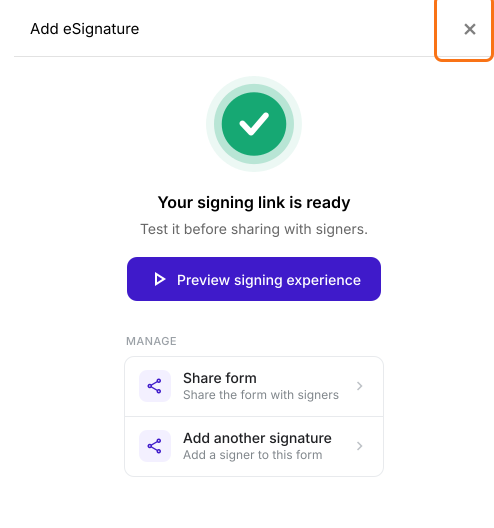
- Check the outline and click Proceed. On the form's "Edit" tab, close the "Add eSignature" dialog that says "Your signing link is ready".
- Click on "Signed PDF" tab.

- Click Save to Google Drive

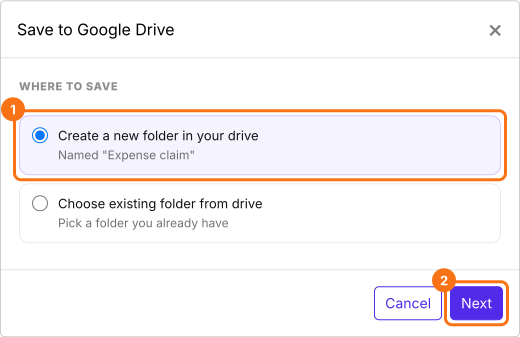
- On Save to Google Drive, select the folder where you would like to store the files and click Next. A new folder takes the name of the form's file in your drive.
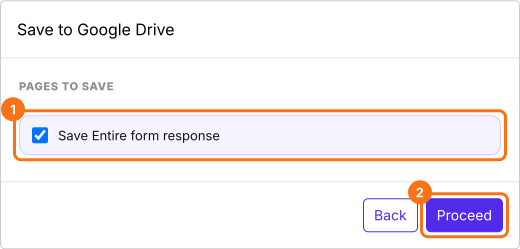
- Keep Save Entire form response ticked, click Proceed and authorize Google Drive access when Google asks. If Could not save to Google Drive is displayed, allow popups in your browser and try again.
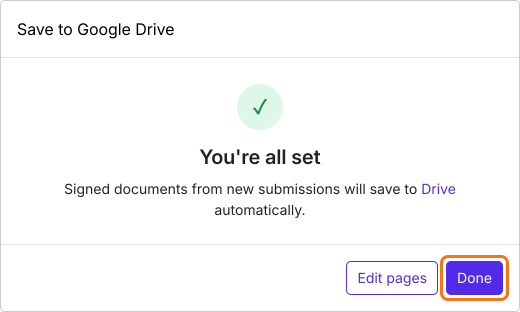
- Click Done, then click Preview to test the sync
- Formesign creates a subfolder named after your form, such as Expense claim - Signed Documents, under the selected folder.
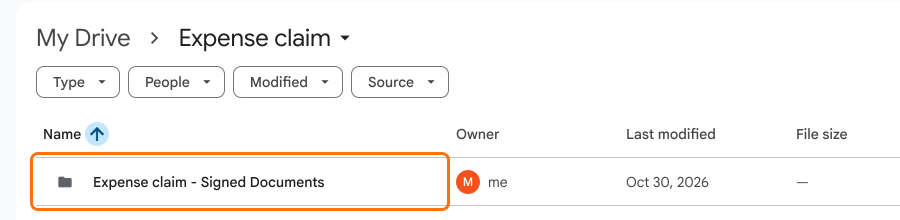
- Whenever a user fills the form and submits it, Formesign automatically generates a pdf document with the e-signatures and syncs it to your google drive.
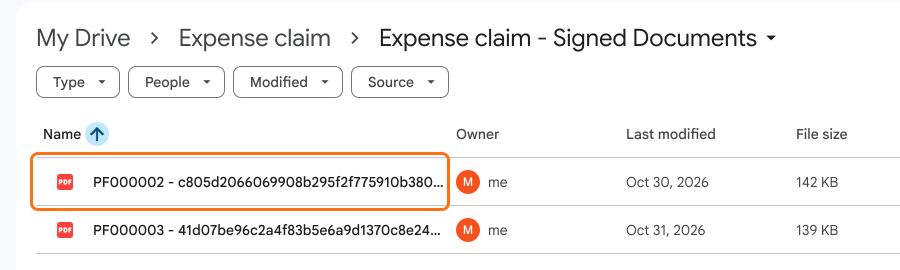
If the form has more than one signer, the pdf document is synced when the last person signs.
In Google Docs, click Extensions > click Formesign - Signature for Google Docs > click Signed documents to Drive. In Google Sheets, click Extensions > click Formesign - Sheet Signature > click Signed documents to Drive.
The default file name includes the unique id generated for each response. You can customize your form to include the name or email in the file name.
Summary
When each signed form has to be kept in Google Drive, saving every PDF by hand takes time and some get missed. With Formesign, you select a Google Drive folder once and Formesign automatically generates a pdf document with the e-signatures and syncs it to your google drive. Create your form and complete the steps above. If you have any questions, write to support.
Last updated: