How to customize the subject in Google Forms email notifications?
"if possible, I would like to edit the subject line of the email"- Google Docs Editors Community
Every notification from a Google Form arrives with the same subject, so finding one response in your inbox means opening email after email. When a customer replies, the subject doesn't say who they are either. Google Forms doesn't let you change it, and 24 people on Google's forum have asked how. With Formfacade, you put answers from the form into the subject, such as the person's name or email, and each email's subject shows whose response it is. The answers are in the email too, so nobody has to open the form to read them.
Let's start. Create your form and follow the steps below.
Customize the subject
- On the page that opens, name your form, click Create form and click Proceed.
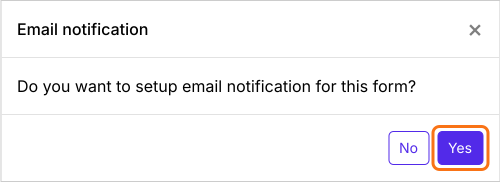
- When it asks "Do you want to setup email notification for this form?", click Yes. The Email respondent box opens on the Kanban board under Responses.
- Check the email address of the respondent and click Next.
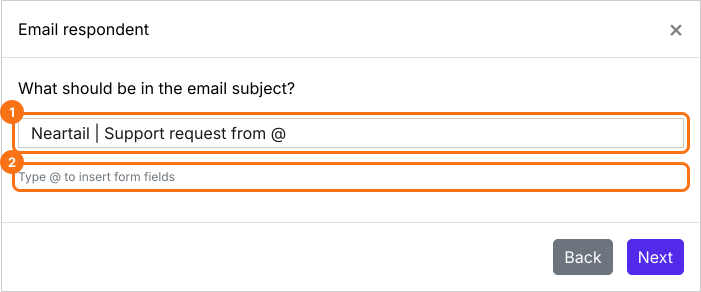
- In the subject, type @ and pick a question from the list. Its entry id goes into the subject.
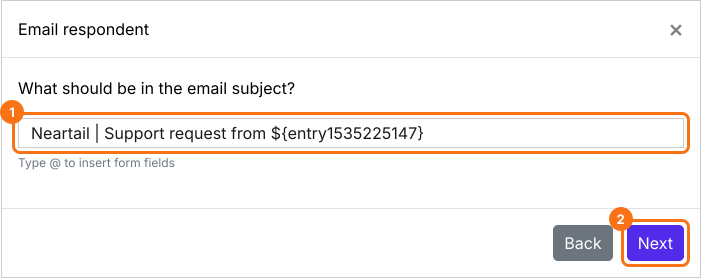
- Check the subject, which now ends with the entry id, and click Next.
- Click Next on the message.
- Click "Click here", fill in the form with your own email address and submit it. When the email arrives, click YES.
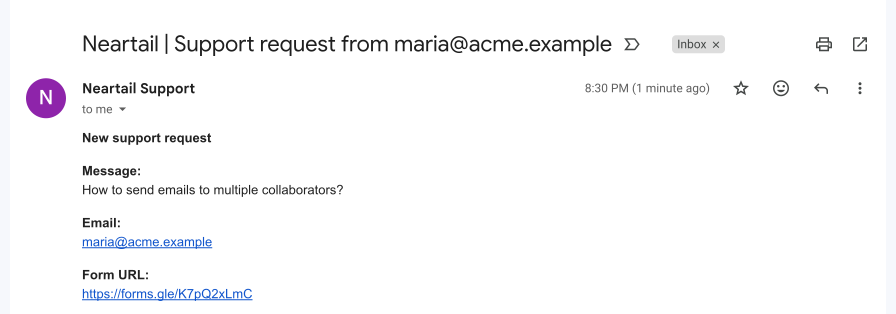
Each email's subject shows the answer from that response.
Why put answers in the subject?
With a name, email or phone number in the subject, collaborators can search their inbox and find a response straight away.
In a confirmation email, details such as the amount to pay or a pickup time in the subject tell people what the email is about before they open it.
This subject has two answers in it, so you can see which customer sent the support message and which add-on they need help with.

Summary
Every Google Forms notification has the same subject, so one response is hard to find later. With Formfacade, you add answers from the form to the subject and each email shows whose response it is. Create your form and complete the steps above. If you have any questions, write to support.
Last updated: