How to save Google Forms uploads without using your Drive storage?
"The Google Form is no longer accepting responses. Fix file upload setting error."- Google Docs Editors Community
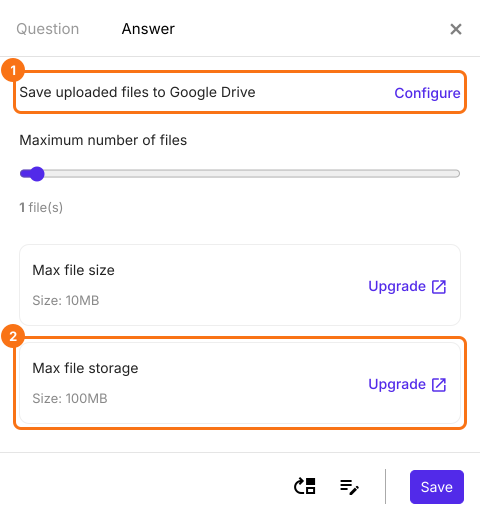
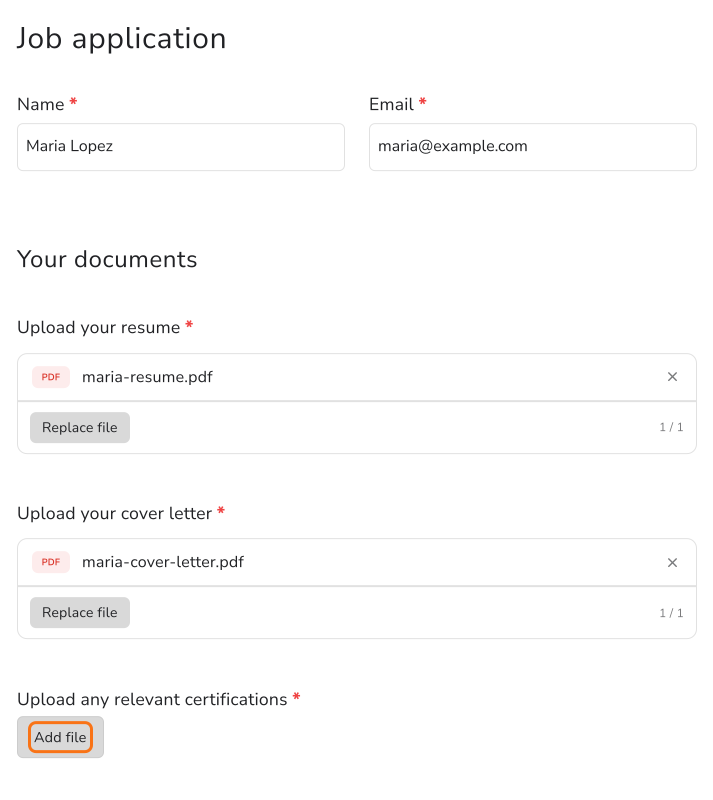
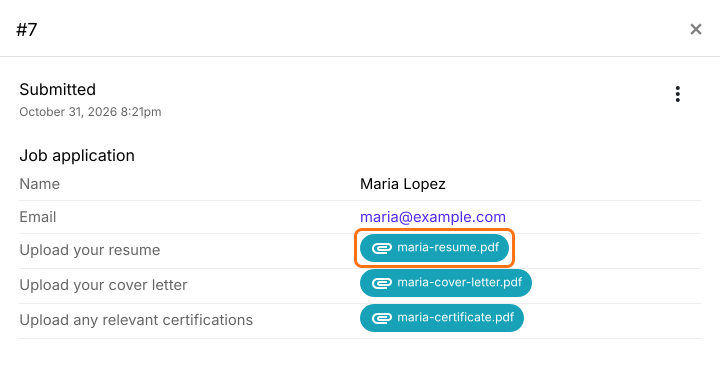
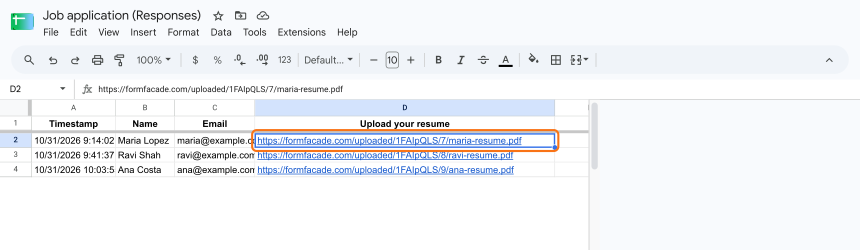
504 people on Google's forum have the same question on one thread: why has my Google Form stopped accepting responses? The answer is its file upload limit. Every file sent through Google Forms lands in the owner's Drive and counts against a limit set on the form, so a busy application form can stop taking resumes one day. Raising the limit or buying storage only moves the wall, and emailing files means matching each to its response. With Formfacade, uploads go to Formfacade's storage instead of your Drive, so your form doesn't depend on your Drive space. You open each file from its response or from the links in your Google Sheet, and people upload with no Google sign-in.
Let's start. Create your form and follow the steps below.
1. Create your form

2. Check your storage
3. Applicants add their files
4. Open each applicant's files
5. Find the links in your Google Sheet
Summary
Last updated: