Train AI - Build your own fine tune AI model
Turning an order email into its product, quantity, city and date takes an AI model that knows your format. A general model doesn't, so you correct its answers by hand, and training one from scratch is slow and costly. With Promptrepo, you create a fine-tuned model from one example, or from the data you already have in Google Sheets, and it answers in the format you set. The people who know the data can build it themselves, with no code.
Let's start. Create your AI model and follow the steps below.
Create your own AI model using no-code model builder
- Click Create your AI model
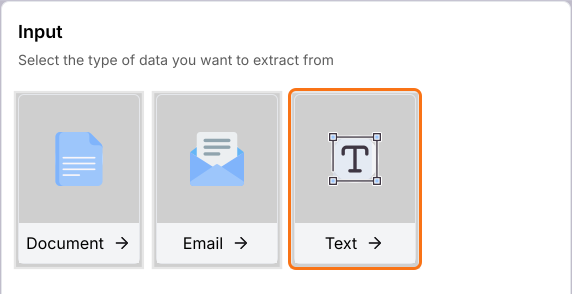
- Under Input, click Text. You can also click Document or Email.
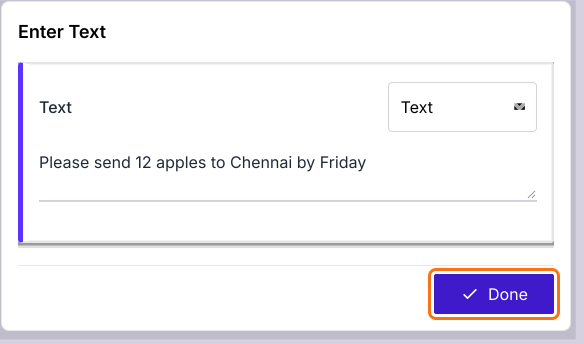
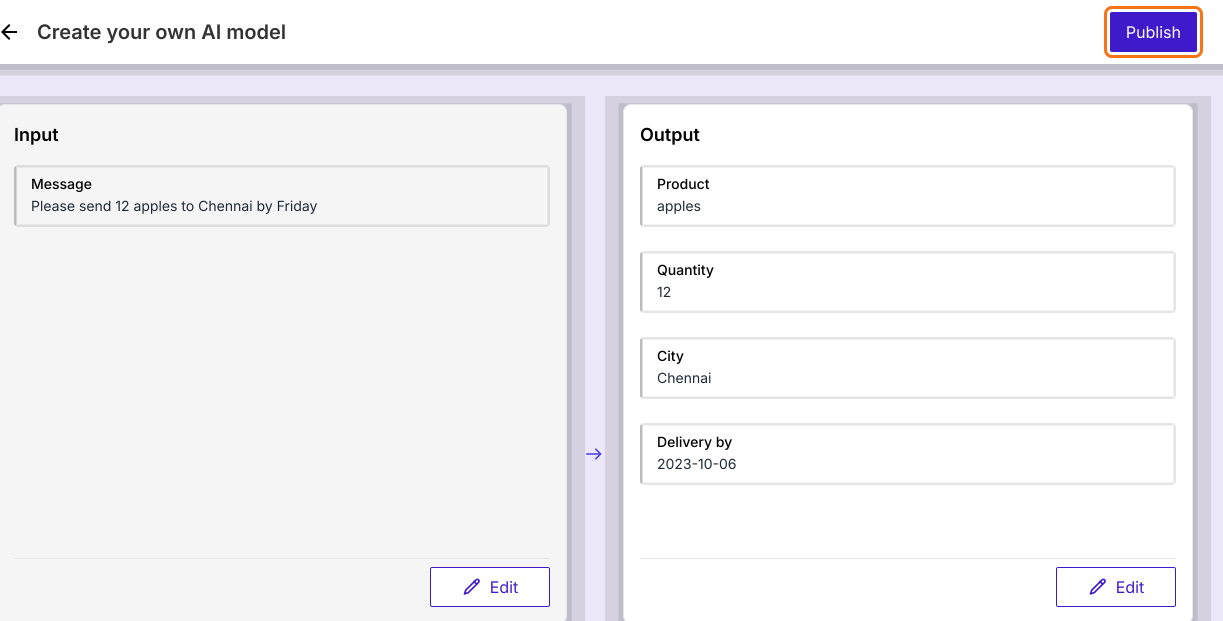
- Enter one example in the box: Please send 12 apples to Chennai by Friday
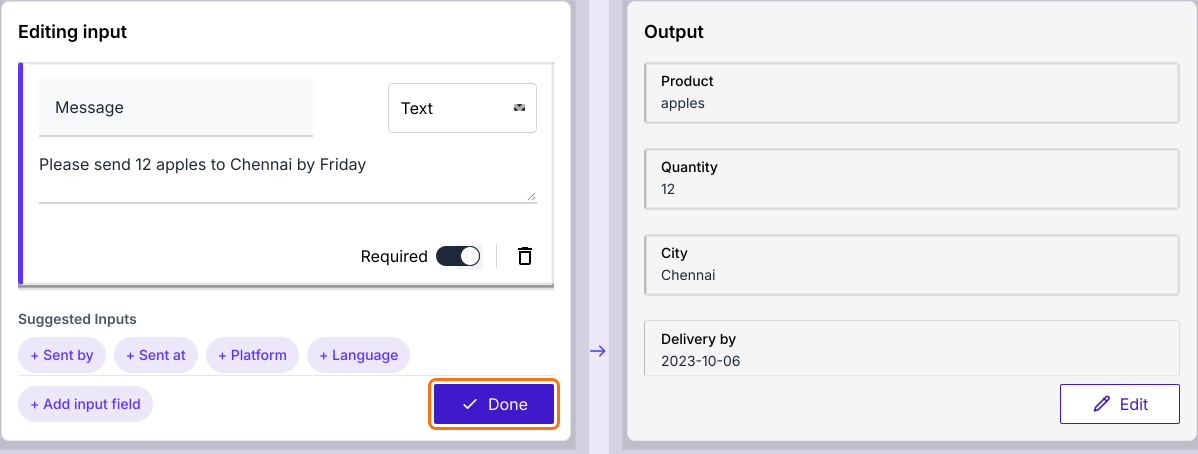
- Click Done. AI fills in the Output on the right.
- Under Editing input, click + Add input field if you need another input.
- Click Done
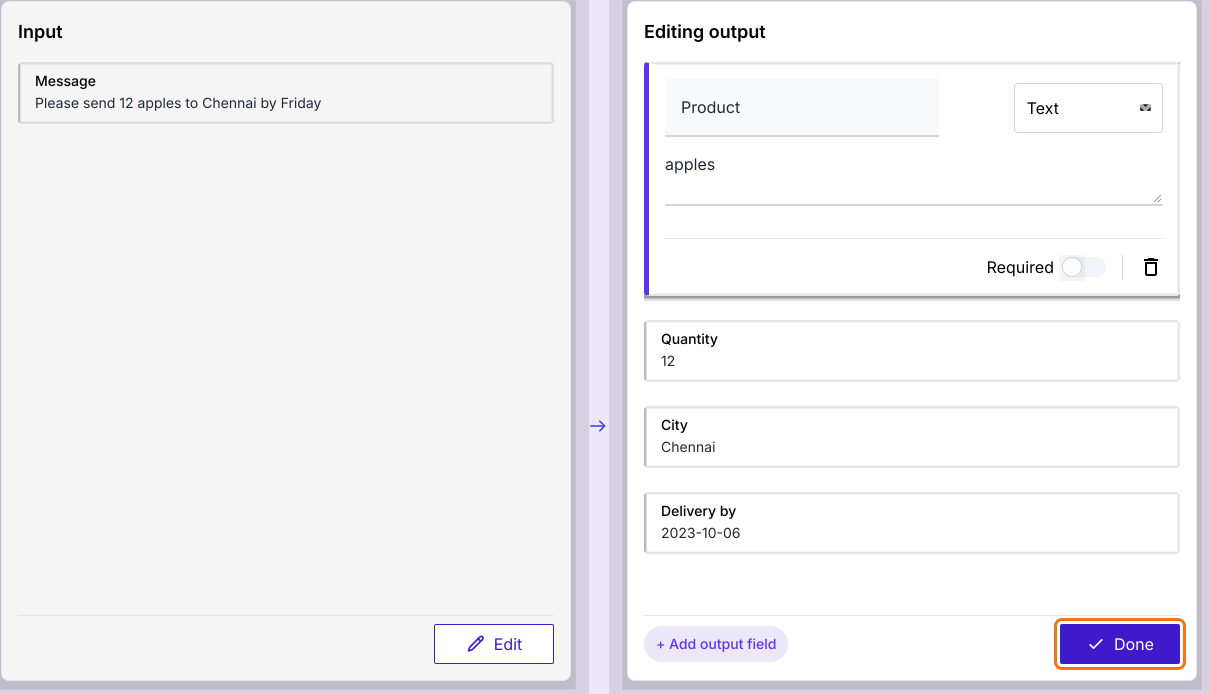
- Under Editing output, you can select Text, Number, Enum or JSON for each output.
- Click Done
- Click Publish
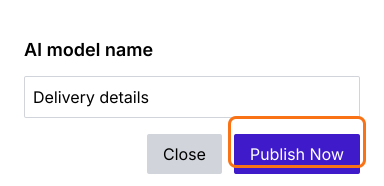
- Enter the AI model name and click Publish Now
- When it says Model is ready!, click Proceed.
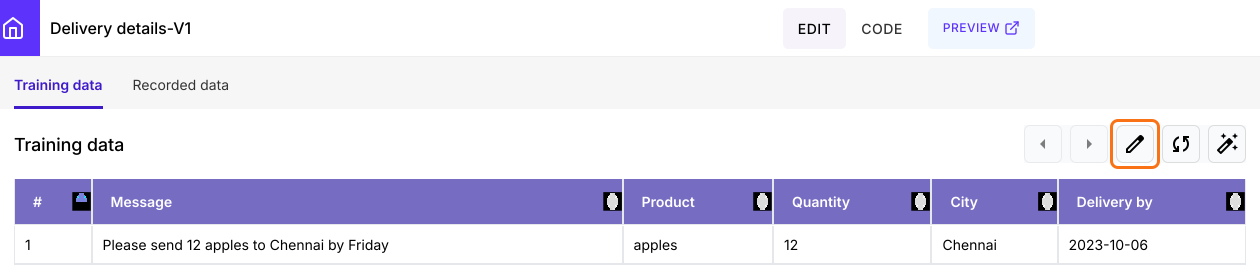
To add many examples at once, on the model page, click on the edit icon on the Training data tab. Its Google Sheet will open and you can add rows there.
Your model is ready to use. You can test it with a new message. Read Use AI - Evaluate your AI model.
Train from your data in Google Sheets
If your training data is already in Google Sheets, you can use the Promptrepo add-on.
- Open Google Sheets and add or import the training dataset
- The first time, click Extensions > Add-ons > Get add-ons, search for "Promptrepo" and click Install
- Click Extensions > Promptrepo > Train AI.
- Enter the AI prompt name and click Next
- Select input columns and click Next
- Select output columns and click Next
- Click Publish. Promptrepo fine-tunes the model.
Supported input types
When you select the input columns, you can specify the data type.
- String - Simple text, a sentence or a paragraph
- File - Document or image
- JSON - Structured data format
Supported output types
When you select the output columns, you can specify the data type and also whether empty values are allowed.
- String - Generates a free form text
- Number - Outputs a numerical value
- Boolean - Returns true or false
- Enum - Selects from a predefined set of categories
- Array - Returns a list of multiple values
- JSON - Outputs structured data in JSON format
Advanced settings
Use generative AI: You can enable the Use generative AI option to automatically generate new outputs by recognizing and applying learned patterns from existing data. For instance, if real nutritional data for a food item is unavailable, the model can estimate its nutritional values based on similar foods, ingredient composition and established dietary trends.
System message: You can include a prompt to establish clear instructions that define the rules and context for how the model should generate outputs. This ensures consistency, accuracy and relevance by guiding the model's behavior, tone and decision-making process.
Summary
If training an AI model from scratch is too slow and costly, a general model will not know your format. With Promptrepo, you enter an example or pick your columns in Google Sheets and publish your own model. Create your AI model and complete the steps above. If you have any questions, write to support.
Last updated: