Use AI - Evaluate your AI model
Before a trained AI model goes into your app, you need to know how good its answers are. Reading the training data doesn't tell you that, and writing code just to try one message takes time. With Promptrepo, you test the model in a form and see its answer right there, and you can add a good answer to the training data. When you're happy with it, you call it as an API from your app, website or workflow.
Let's start. Create your AI model and follow the steps below.
Create your model
- Click Create your AI model
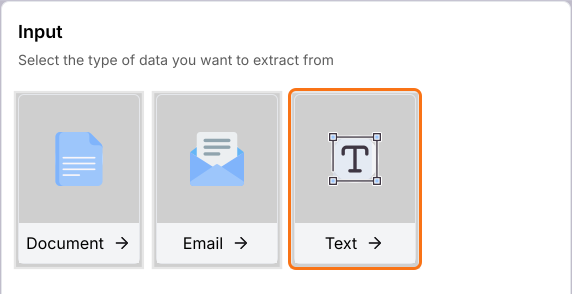
- Under Input, click Text. You can also click Document or Email.
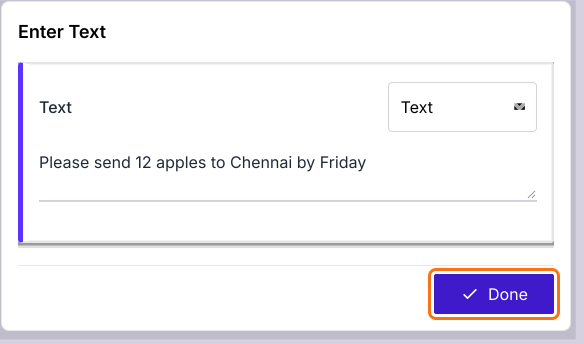
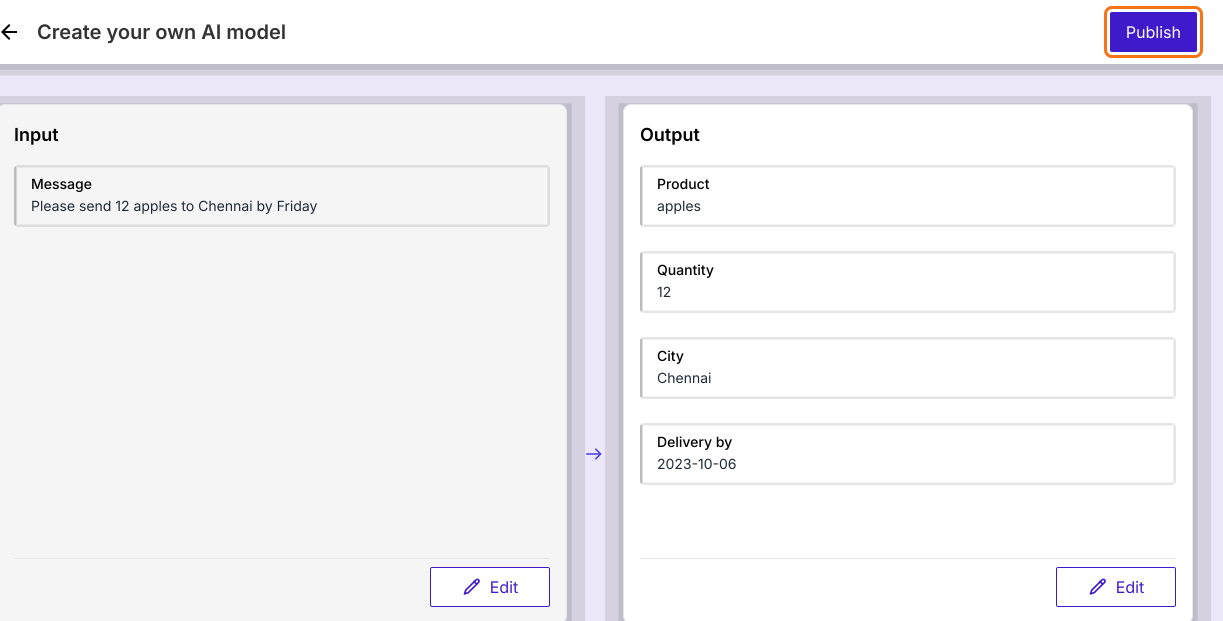
- Enter one example in the box: Please send 12 apples to Chennai by Friday
- Click Done. AI fills in the Output on the right.
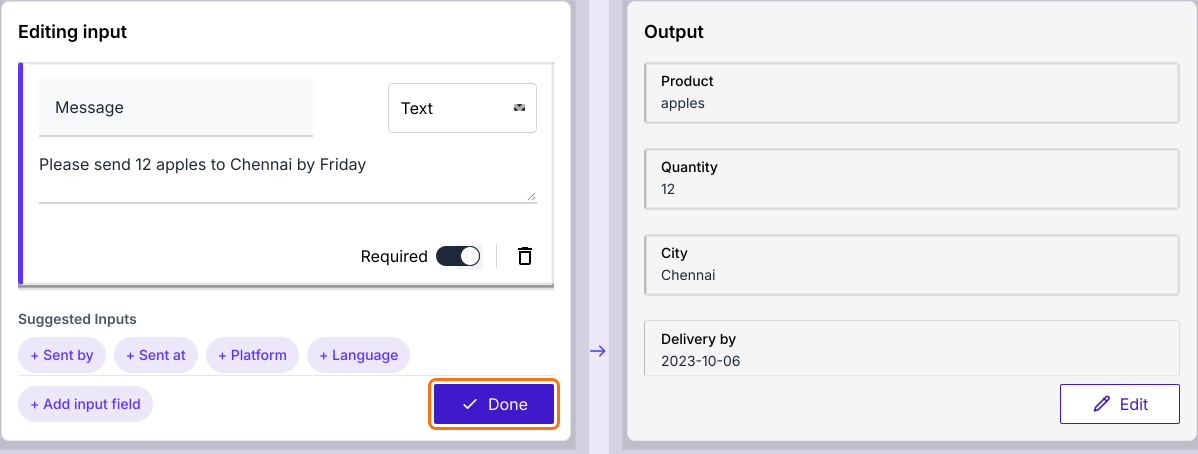
- Under Editing input, click + Add input field if you need another input.
- Click Done
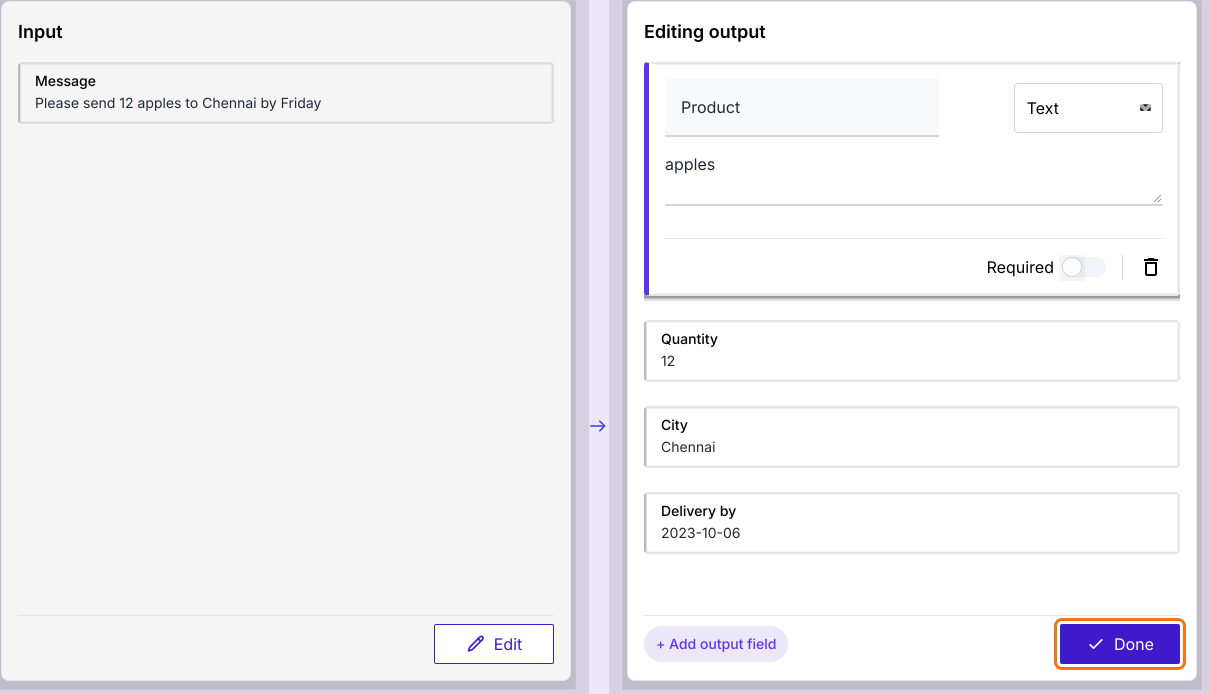
- Under Editing output, you can select Text, Number, Enum or JSON for each output.
- Click Done
- Click Publish
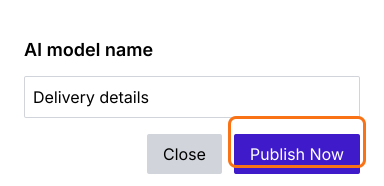
- Enter the AI model name and click Publish Now
- When it says Model is ready!, click Proceed.
Use as form
- On your model's page, click PREVIEW

- Input the data or click Load example
- Click PROCEED. Enter the data first, because PROCEED with an empty box shows an error.
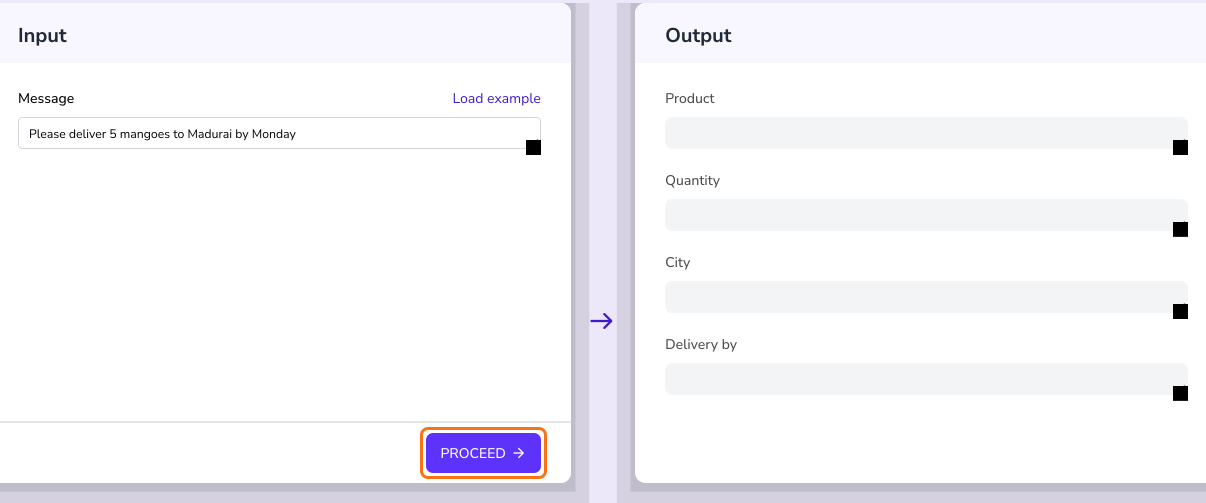
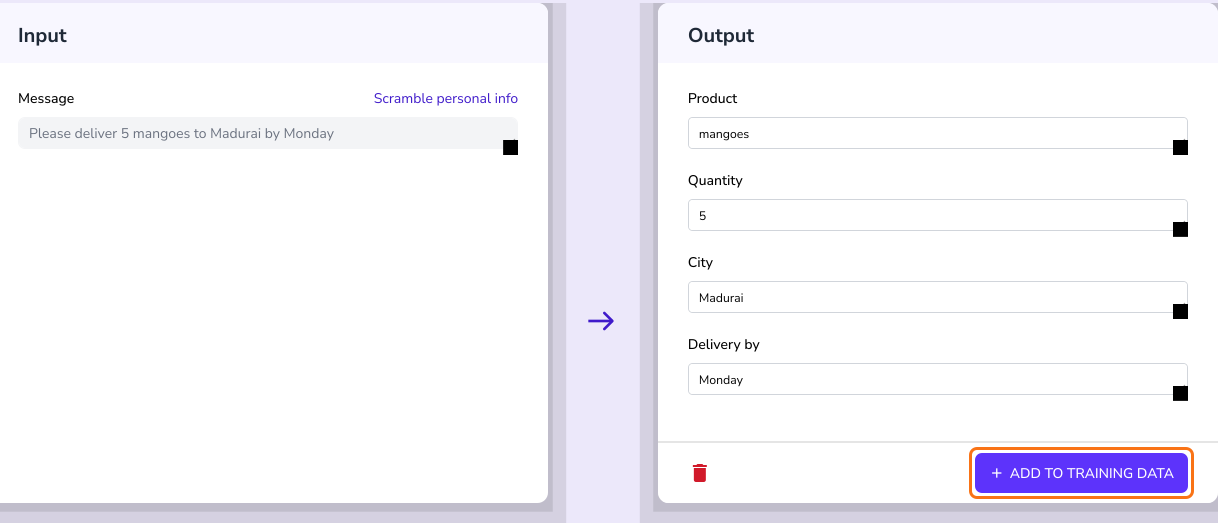
Check the model's output. To keep a good result, click ADD TO TRAINING DATA.
Use as API
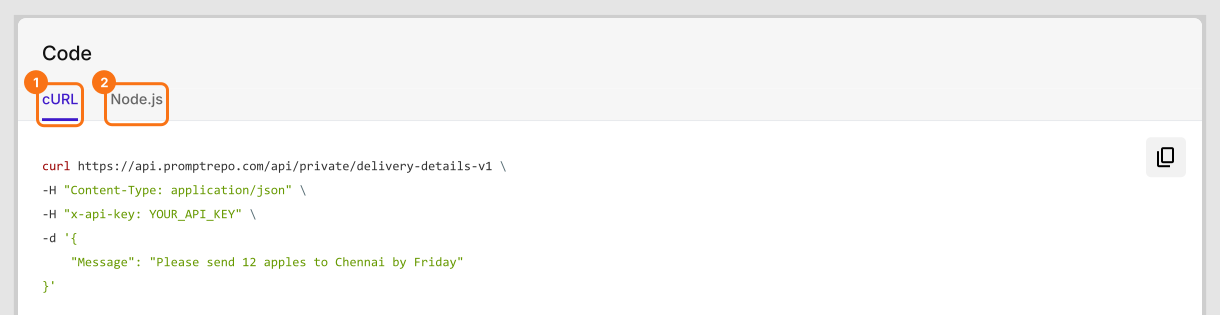
- On your model's page, click CODE

- Select cURL or Node.js
- Click to copy the code and integrate it to test as an API. The code already has your own API key, shown here as YOUR_API_KEY, so keep it private.
Summary
If you have trained a model, you need to test it before you use it. With Promptrepo, you open PREVIEW to try it in a form or CODE to call it as an API. Create your AI model and complete the steps above. If you have any questions, write to support.
Last updated: