How to allow collaborators to edit google forms responses after submit?
"a way that an admin of a google form can edit the response"- Google Docs Editors Community
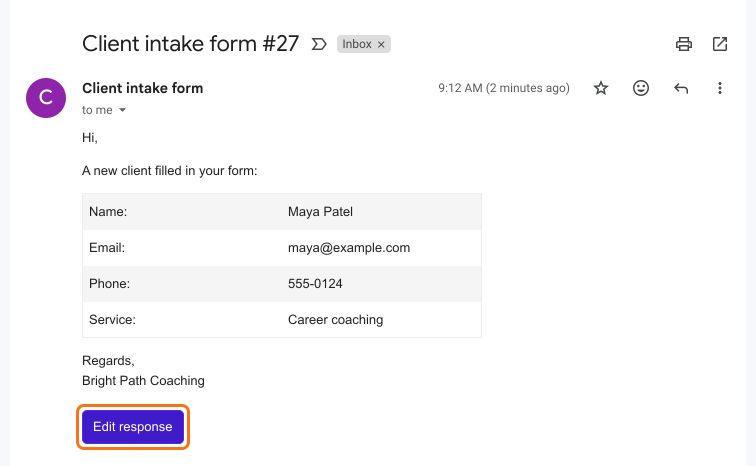
This is a common question: 325 people on Google's forum have asked whether the person who runs a form can edit a response after someone else submits it. Someone on your team spots a wrong phone number or a misspelled name. Google Forms can let the person who filled the form edit their own answer, but it gives the owner and collaborators no way to change it, and fixing the linked Google Sheet leaves the answer in the form wrong. With Formfacade, collaborators get each response by email with an Edit response button, and they correct the answer from there. The answers are in the email itself, so your team can spot a mistake without opening the form.
Below are three ways to correct a Google Forms response after it's submitted, and where each one falls short.
1. Correct the linked Google Sheet
2. Make edit links with Apps Script
3. Edit from the notification email with Formfacade
- Click Create your form, name it, click Create form and click Proceed.
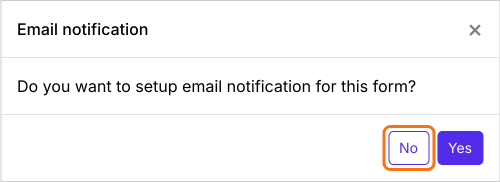
- When it asks "Do you want to setup email notification for this form?", click No.
- Click Responses.

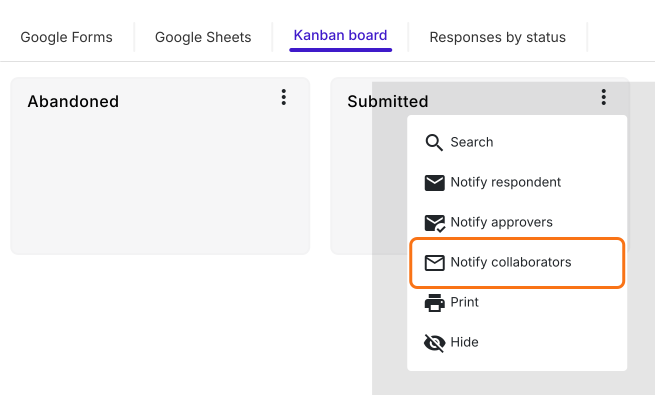
- Click Kanban board, click the three dots ⋮ on Submitted and click Notify collaborators.
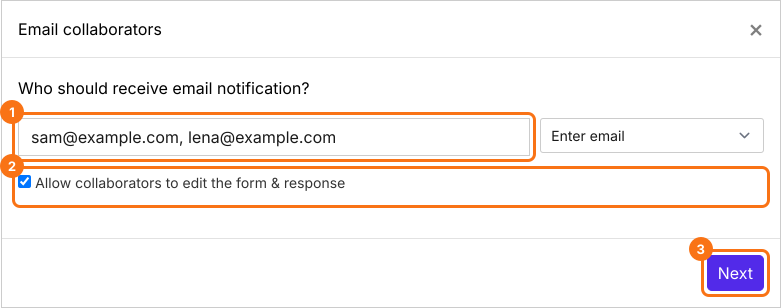
- Enter your collaborators' email addresses, separated by commas. Keep Allow collaborators to edit the form & response ticked and click Next.
- Type a subject and click Next, then click Next on the message.
- Click "Click here", fill in the form and submit it. When the email arrives, click YES.
How collaborators edit a response
Summary
Last updated: