How to send a confirmation email with a copy of the form response to the respondents?
"Google Forms not sending responders a copy of their responses"- Google Docs Editors Community
Google Forms isn't sending responders a copy of their responses, and 57 people on Google's forum have reported the same thing. When people register for something, each one needs their answers and what to do next. Owners report that Google's copy reaches Gmail but not always Yahoo, iCloud or work addresses, and you can't add your own words to it. Emailing each person yourself stops working once registrations pile up. With Formfacade, you write the confirmation email once and it goes out as each person submits, with their answers and your next step. Formfacade sends it itself, so you don't depend on Google's copy.
Let's start. Create your form and follow the steps below.
Set up the confirmation email
- On the page that opens, name your form, click Create form and click Proceed.
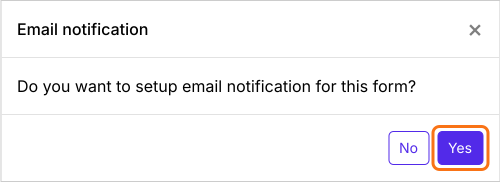
- When it asks "Do you want to setup email notification for this form?", click Yes. The Email respondent box opens on the Kanban board under Responses.
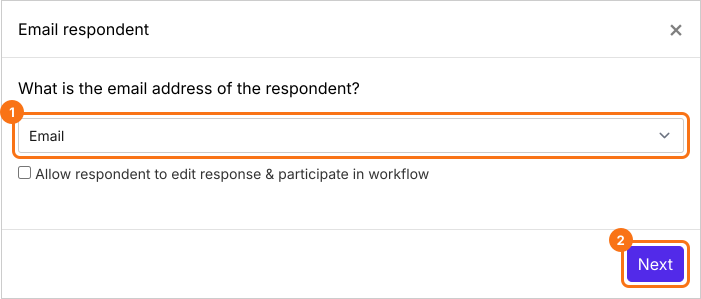
- Under What is the email address of the respondent?, pick the email question from the list and click Next.
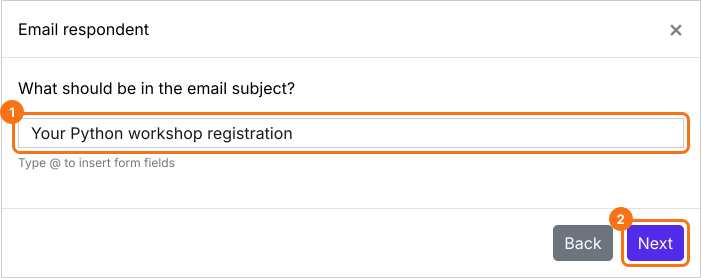
- Type a subject, or put answers from the form in it, and click Next.
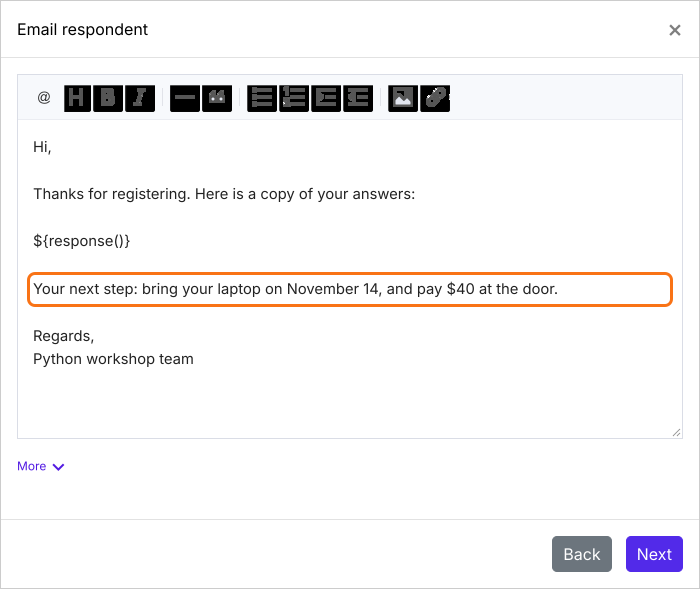
- The message starts with all their answers. Add your next step below them.
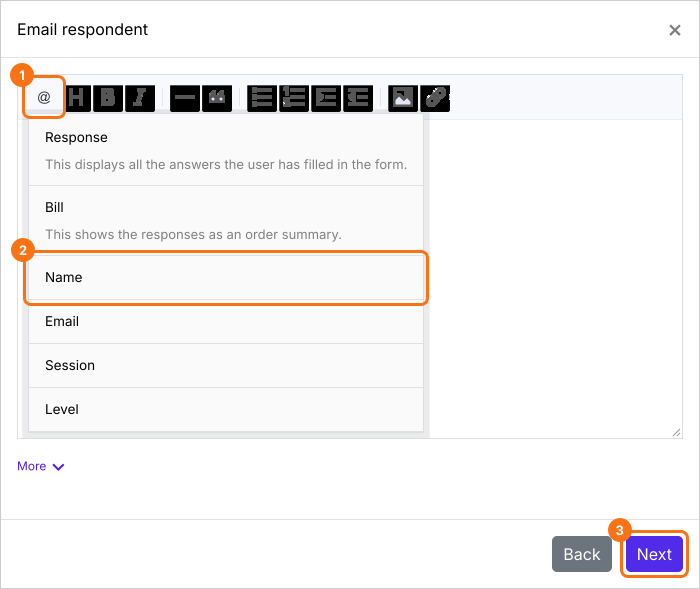
- To put one answer in the message, click the @ option and pick the question. It shows as a code such as ${entry1280768093}, and each email shows the answer in its place. Leave a space before it. Click Next.
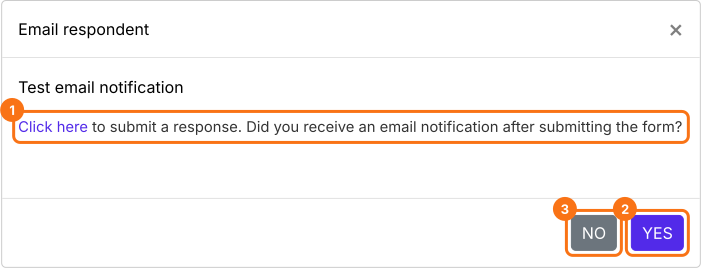
- Click "Click here", fill in the form with your own email address and submit it. If the email arrives, click YES. If not, click NO.
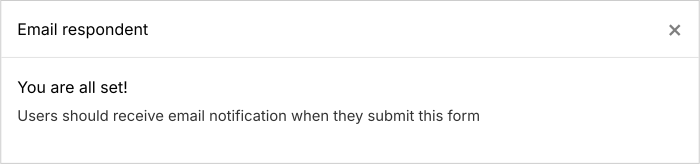
When the test works, it says You are all set!, and each person gets the confirmation email when they submit.
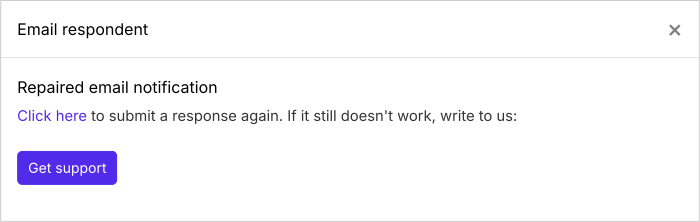
If the test email doesn't arrive, click NO and it tries to repair the email trigger. Submit another test response to check. If it still doesn't work, click Get support.
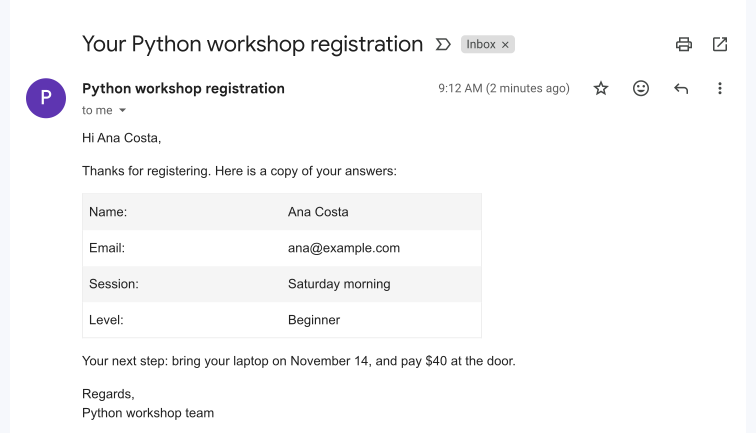
Each person gets the email with their answers and your next step as soon as they submit the form.
Summary
If people need a copy of their answers and your next step, Google's copy falls short: it can miss non-Gmail addresses and you can't add your own words. With Formfacade, you write the confirmation email once and each person gets it with their answers when they submit. Create your form and complete the steps above. If you have any questions, write to support.
Last updated: