Email notifications are not working. How can I fix this?
"I am not receiving email notification when responses are submitted"- Support forum
You set up email notifications for your form with Formfacade, and the emails don't arrive. Often you only find out when a customer or a collaborator asks where theirs is. One cause is being signed in to more than one Gmail account in the same browser, which stops the email triggers from being set up. Open an incognito window, sign in with only the Gmail account you installed the add-on with and set up the notification again.
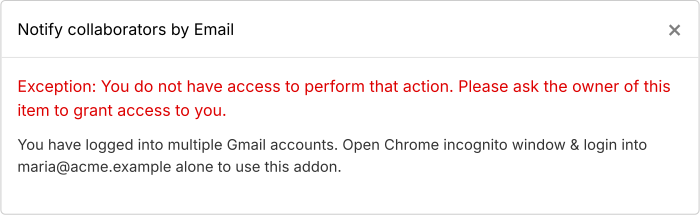
This error shows when you set up email notifications while signed in to more than one Gmail account.
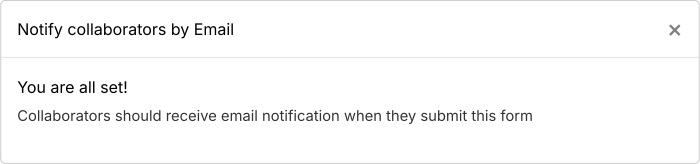
Signed in with only the Gmail account you installed the add-on with, the setup ends with You are all set!
If you set up the email from the Responses tab and the test email doesn't arrive, click NO. It says "Repaired email notification". Click "Click here" and submit a response again. If it still doesn't arrive, click Get support.
Summary
If your email notifications aren't arriving, the email triggers may not have been set up, often because more than one Gmail account was signed in. With Formfacade - Email notification, you open an incognito window, sign in with only the Gmail account you installed the add-on with and set it up again. If you have any questions, write to support.
Last updated: