How to retrieve deleted responses from google forms?
"accidentally deleted the questions of Google form how to recover it and responses?"- Google Docs Editors Community
This is a common question, and 101 people on Google's forum have asked it after deleting questions and losing their answers with them. Google Docs and Sheets keep a version history, so it's natural to look for one in Google Forms, but there isn't one. Responses you delete in Google Forms are gone for good, and deleting a question takes its answers out of the Responses tab too. The only safe copy is one you make before it happens: a Google Sheet linked to your form keeps its rows when responses are deleted from the form. If your form is on your website with Formfacade, you link that Sheet from Formfacade's Responses tab.
Follow the steps below to keep a copy in Google Sheets before anything is deleted. If you don't have a form in Formfacade yet, create your form first.
How to sync responses to Google Sheets?
- Open your form in Formfacade and click on "Responses" tab

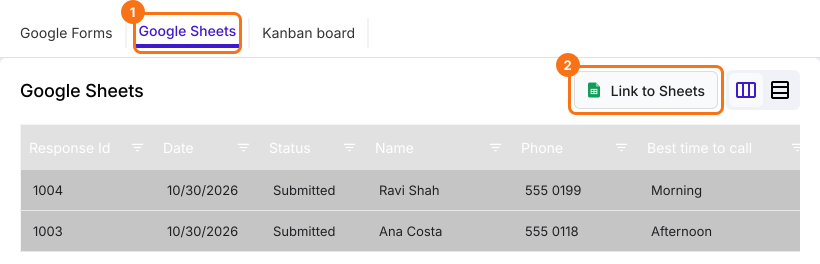
- Click Google Sheets
- Click Link to Sheets
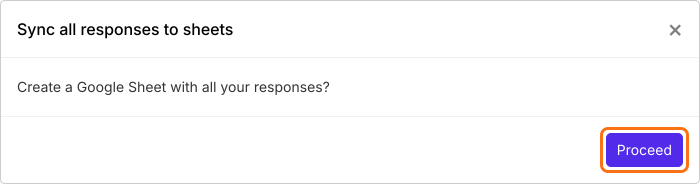
- Click Proceed on "Sync all responses to sheets"
- When your responses have synced, click View sheets to open your Google Sheet
Summary
Last updated: