How to create a secure prefill link for Google Forms?
"Security of Prefilled Google forms data"- Google Docs Editors Community
A charity prefilling a retreat registration, or a business sending renewal forms, puts people's details into the link. A Google Forms prefill link carries every value in its address, so anyone who sees the link can read them, and you still need to know whose answer is whose when it comes back. With Formfacade, the link carries only a name you choose, such as renewal-0417, and the details are filled in when the person opens it. Each person sees their own details on the form and none of them in the link. You can sync the responses to Google Sheets with the details you prefilled, so you know who sent each one.
Let's start. Create your form and follow the steps below.
How to create a secure prefill link?
- On the page that opens, name your form, click Create form and click Proceed.
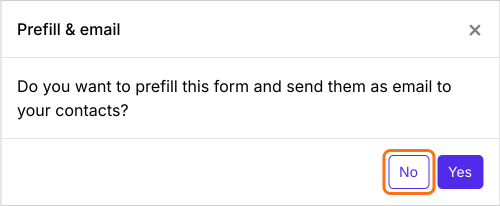
- In the Prefill & email dialog that asks "Do you want to prefill this form and send them as email to your contacts?", click No.
- Click the Share tab

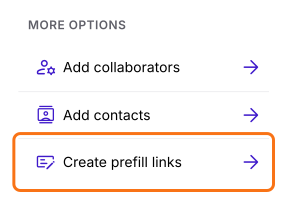
- Under More options, click Create prefill links
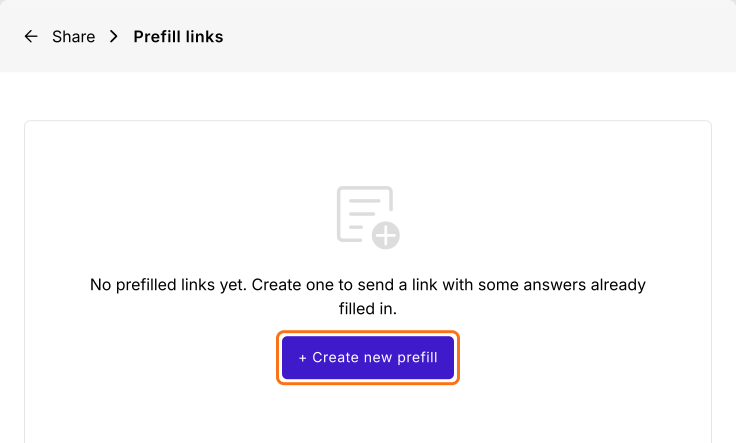
- Click + Create new prefill
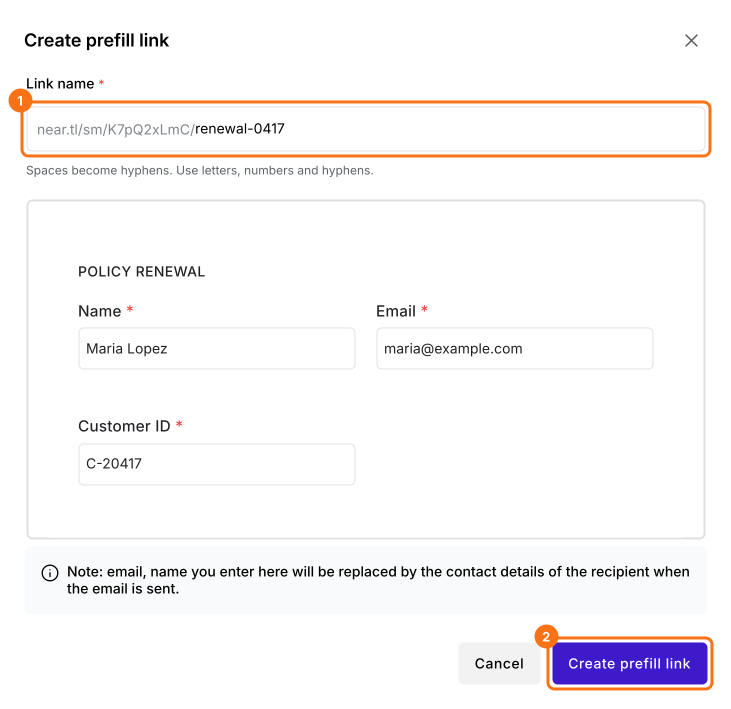
- Enter a unique name for the link
- Fill in the answers to prefill
- Click Create prefill link
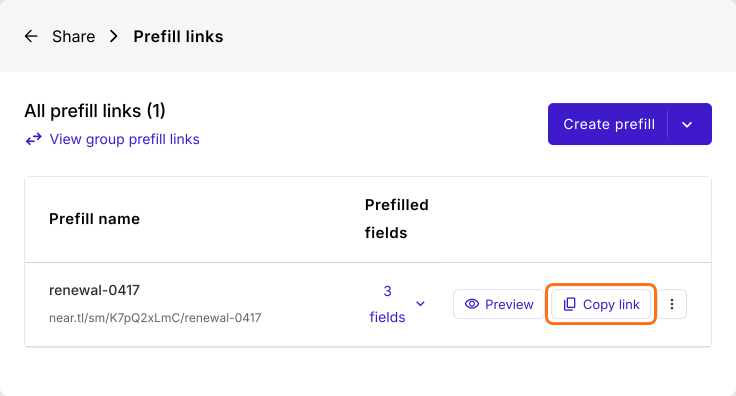
Click Copy link and send it to your customer. The link shows only its name, not the values.
Every field is editable by default. To stop people changing a prefilled value, set its Appearance to Read only. To keep it off the form, set it to Hidden. Read How to add readonly fields in Google Forms?
Summary
A Google Forms prefill link carries every value in its address, where anyone who sees the link can read it. With Formfacade, you create a prefill link that carries only its name, and the form opens with the person's details filled in. Create your form and complete the steps above.
Last updated: