How to edit the message before sending the email?
"send out a Google Form to several individuals with specific requests of the form"- Google Docs Editors Community
One form goes to a group of people, and the email should say what you need from them this time, not a stock message. On Google's forum, 31 people have asked how to send a form to several people with a request for each. Google Forms can make a prefilled link but can't email it, so you end up with a Sheets formula and a mail merge tool. With Formfacade, you tick the people in your contacts, edit the subject and message, and send. Each person gets your words with their name in it and their own prefilled link.
Let's start. Create your form and follow the steps below.
How to add your customers?
- On the page that opens, name your form, click Create form and click Proceed.
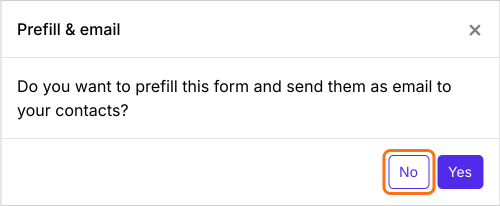
- In the Prefill & email dialog that asks "Do you want to prefill this form and send them as email to your contacts?", click No.
- Click the Share tab

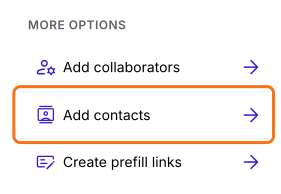
- Under More options, click Add contacts
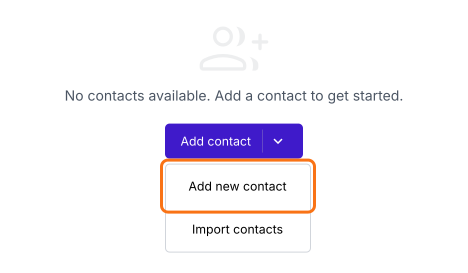
- Click Add contact, then Add new contact
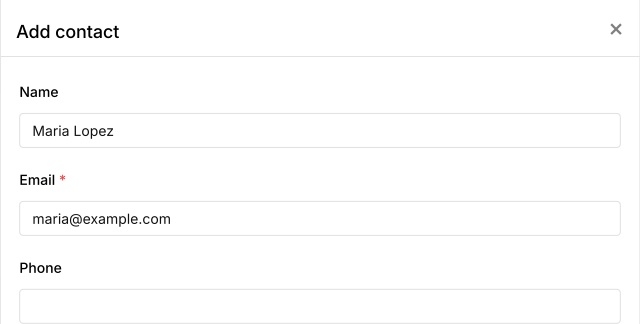
- Enter the customer's name and email and click Save
- Do this for each customer
How to edit the message and send it?
- Tick the customers you want, or tick the top box to select all
- Click Compose
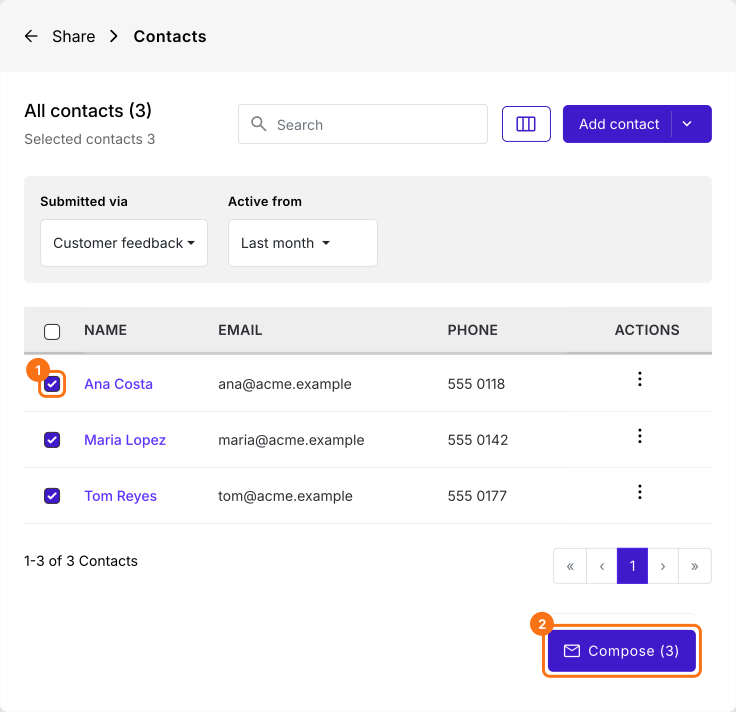
- Edit the subject and message
- Click Send email
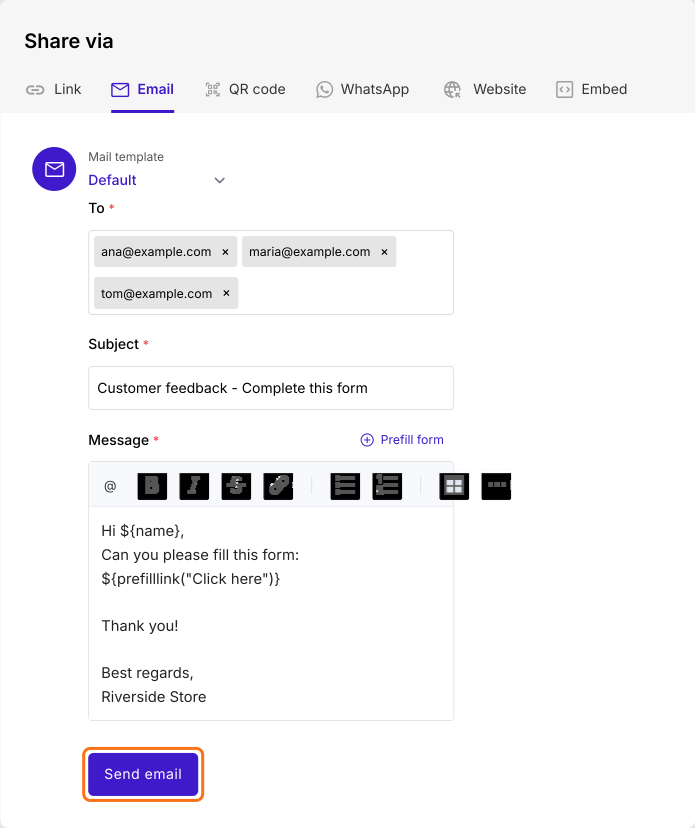
Each customer gets the email with their name in it and their own link. When they click on it, the form opens with their name and email already filled in.
Summary
Google Forms can't email a prefilled link, let alone one message written for a group with a link for each person. With Formfacade, you select the people, edit the subject and message and send each of them their own prefilled link. Create your form and complete the steps above. If you have any questions, write to support.
Last updated: