How to set fields as protected health information?
Clinics, therapists and other healthcare teams collect patient details in Google Forms, and some answers, such as a name or a date of birth, need more care than the rest. Google Forms treats every answer the same, so there is no way to say which fields hold protected health information. With Formfacade, you tick Mark this as Protected Health Information on each field that holds it. Patients fill in the same form, and you decide which of their answers are PHI.
Let's start. Create your form and follow the steps below.
How to mark fields as protected health information in Google Forms?
- On the page that opens, name your form, click Create form and click Proceed.
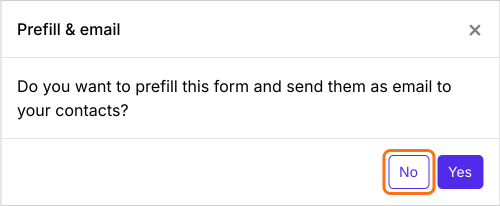
- In the Prefill & email dialog that asks "Do you want to prefill this form and send them as email to your contacts?", click No.
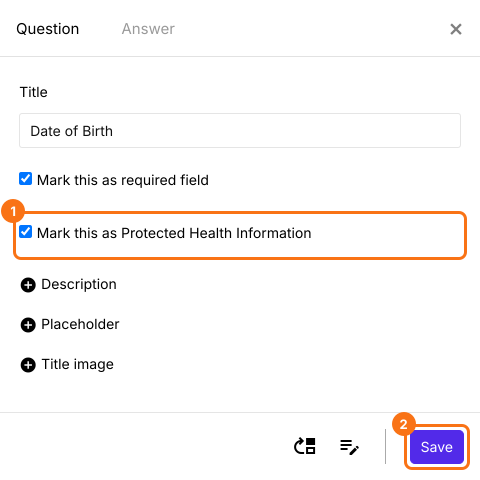
- On the Edit tab, click the field, then the gear icon. The Question tab is open.
- Tick Mark this as Protected Health Information
- Click Save
Summary
Google Forms has no way to mark which answers are protected health information. With Formfacade, you tick Mark this as Protected Health Information in the Question tab of each field that holds it. Create your form and complete the steps above.
Last updated: