Introduction
Local businesses that take orders from followers on Facebook and Instagram usually start with an order form. Then new people look them up before buying and find a form with no story, no product pages and no way to get in touch. Google Sites can give you a website for free, but it's a second thing to build and keep in step with your form. With Neartail, you create the website from your order form in one click. It comes with a home page, a products page, a page for each product, and About, Contact and Community pages you can fill in.
Let's start. Create your site.
What's included?
The website includes the following components that can be customized.
- Home page
- Products
- Individual product pages
- Community
- About us
- Contact us
Home page
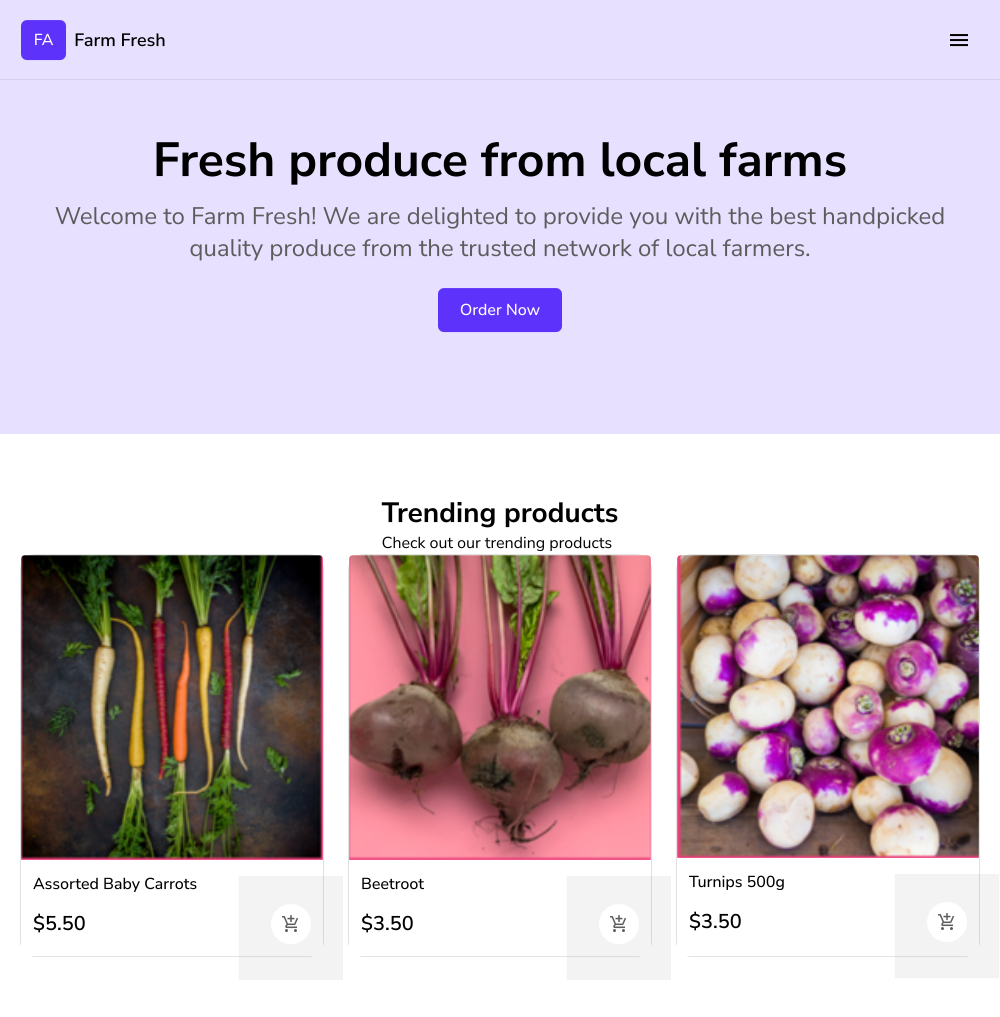
When the users access the website, they will land on this home page. This page displays a banner and the trending products.
- The banner includes a brief description with the call to action button to view the order form. If you have multiple forms, you can add quick links to each of your forms. You can also choose to upload a banner image.
- The trending products are automatically displayed based on the products ordered by the customers using your order form. If you have less than 3 products, then your order form will be displayed directly in the home page. This is useful if you have created an event registration, booking form etc.
Click here to learn how to customize your Home page.
Products
If you have created a form with more than 3 products, Products menu will be automatically added in the website header. The contents of this page depends on the setup of your form.
- If you have created a multiple page form with products organized by category, Products page will display the list of categories. Users can click on a category to view the products in that category.
- If you have created a simple form with products listed in a single page, then the Products page will directly list all the products in your form. Users can click on a product to view the details.
The content for this page is automatically generated and cannot be customized.
Individual product pages
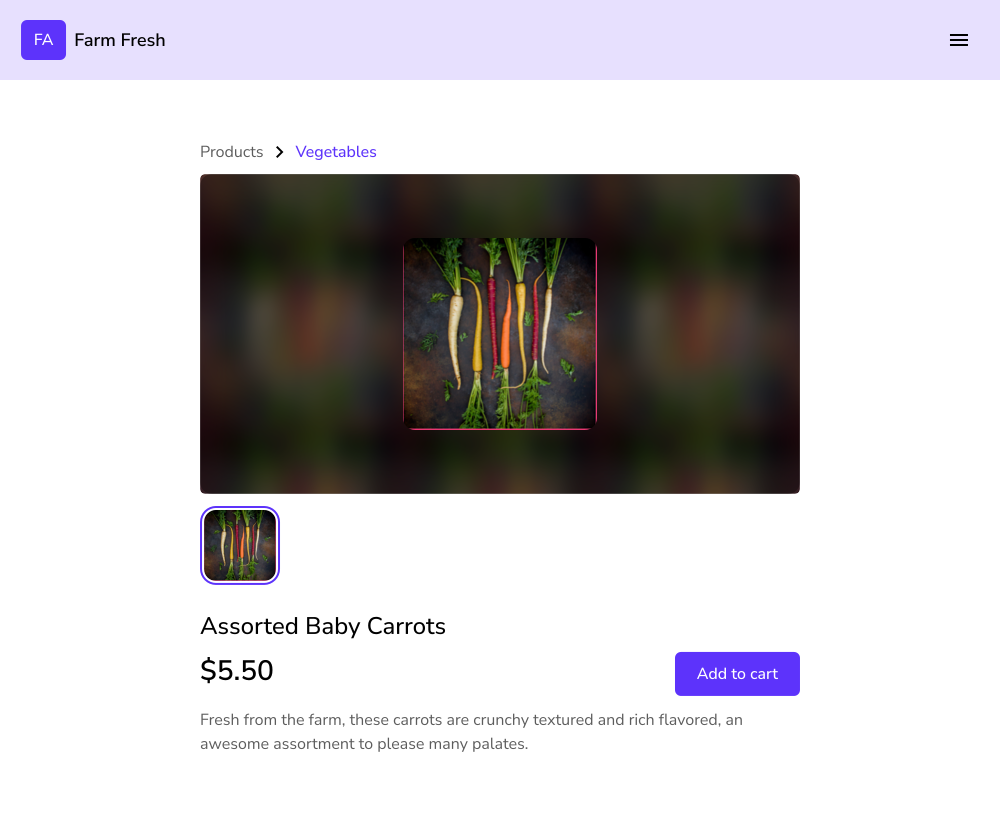
When you create a website, Neartail automatically creates a separate page for each of the products in the form. By default, a product includes the name, price, description, stock availability and the product image uploaded in the form. You can customize this page to add detailed descriptions and upload multiple product images. Click here to learn how to customize individual product pages.
Community
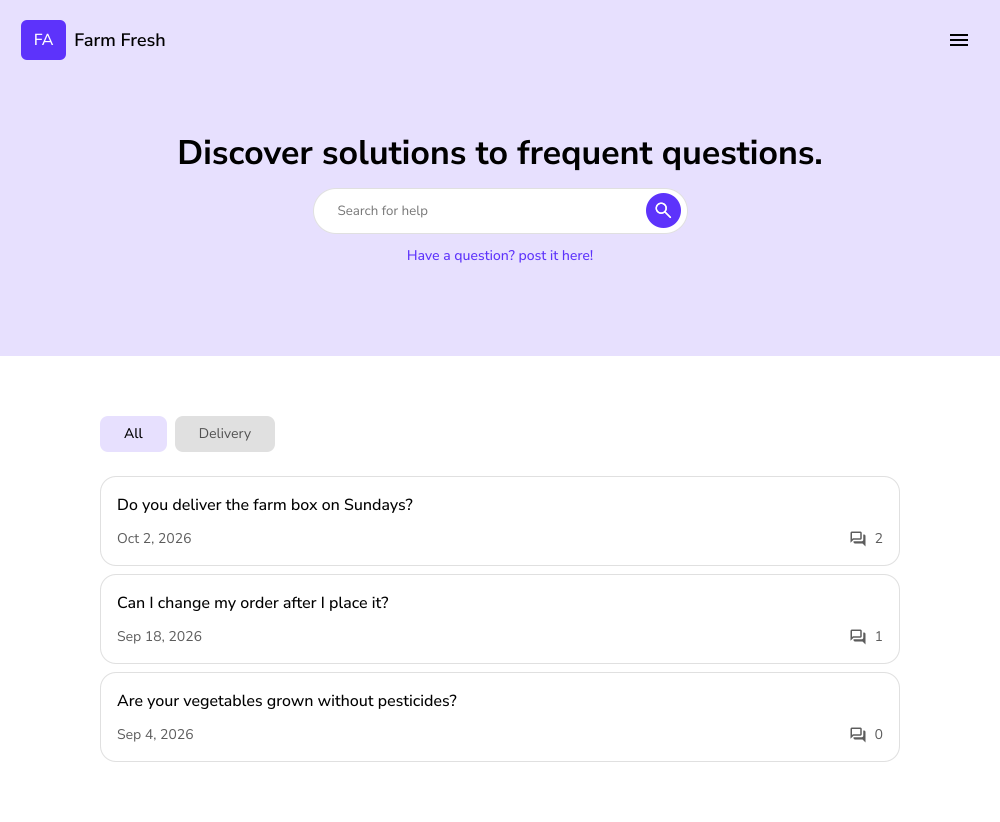
This page allows users to post a question so that store owners can collect feedback and engage with their customers. The users will be able to join the conversation and post replies to these questions anytime.
The visitors to the website will be able to view the questions and any replies posted by the users.
About us
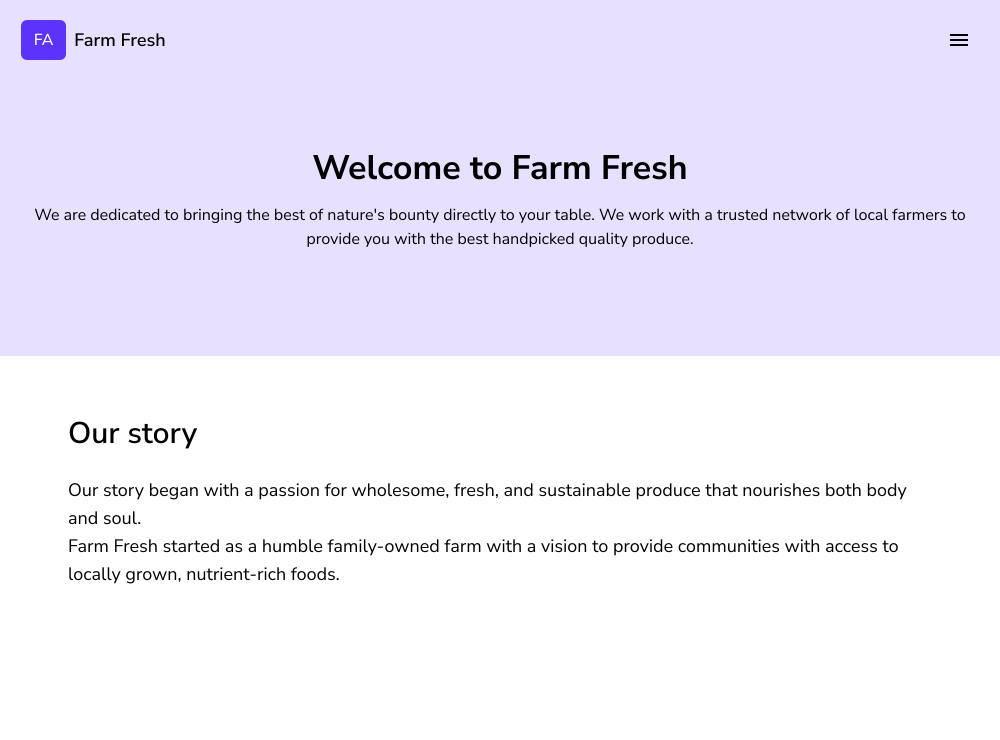
This page enables you to provide information about your business, brand, team, culture and more. This page is the key opportunity to introduce yourself and build trust, credibility with the first time visitors to your website.
- Add a title and brief description that will be displayed as a banner
- Add content that tells your story, unique value proposition
Click here to learn how to customize your About us page.
Contact us
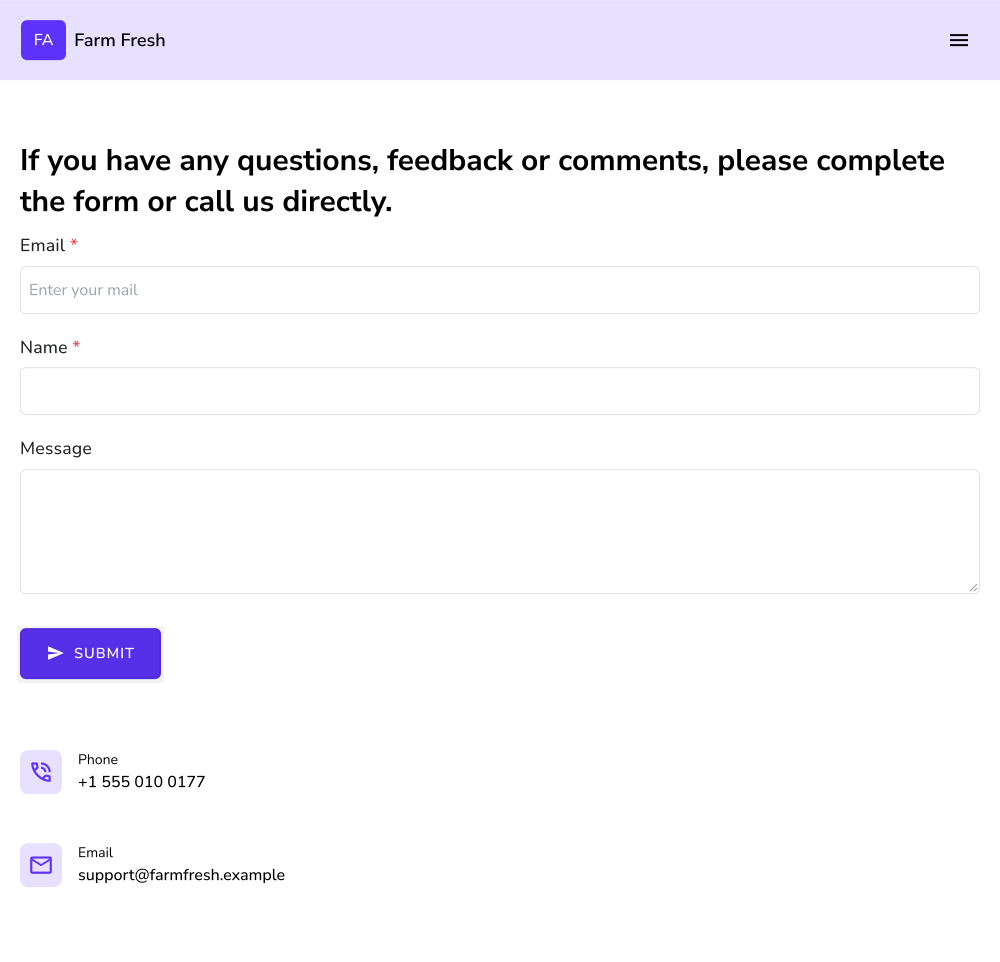
A website must have a contact us page. This page should be designed to make it easy for your visitors to get in touch with you or your business. This will encourage users to reach out to you if they have any questions, feedback or inquiries.
- Display your address along with the working hours
- Provide a contact email, phone number, WhatsApp number
- Add a contact form for support or sales inquiries
Click here to learn how to customize your Contact us page.
Summary
New customers want to learn about your business before they order, and an order form alone can't show them. With Neartail, you create a website from your order form, with a home page, product pages and pages about your business. Create your site and customize these pages.
Last updated: