Does Formfacade support pre-filled survey links like native Google Forms?
"is there any option to pre-fill the cells like google form prefilled links in formfacade?"- Support forum
If you already send Google's pre-filled links, you'll want the same links to work once your form is on your website. Google's pre-filled link opens Google's own form page, so the visitor leaves your site to see the answer filled in. For example, a visitor who picks a product on your website should find it already named in your enquiry form. Yes, Formfacade supports pre-filled forms the same way Google Forms does. You create a prefill link in the Share tab, or add the same url parameters as Google's link to your webpage's url, and the form opens on your page with the answers filled in. The responses are collected in your Google Form.
Create your form and follow the steps below.
How to create a prefill link in Formfacade?
- On the page that opens, name your form, click Build form and click Proceed.
- Click on the "Share" tab.

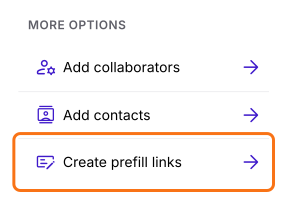
- Click Create prefill links under More options.
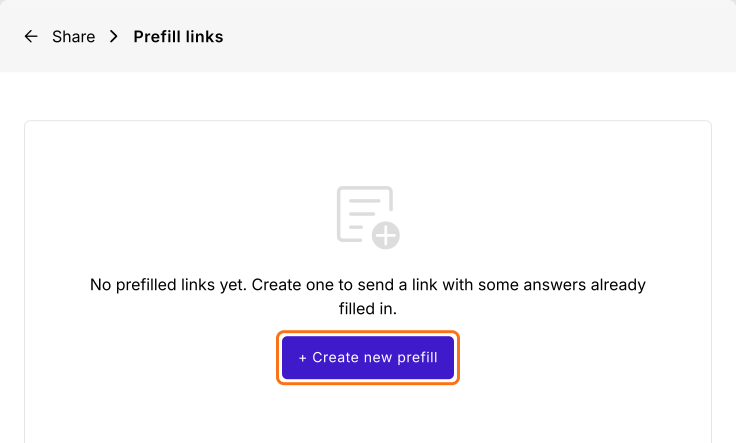
- Click + Create new prefill.
- Enter the Link name, fill in the answers and click Create prefill link.
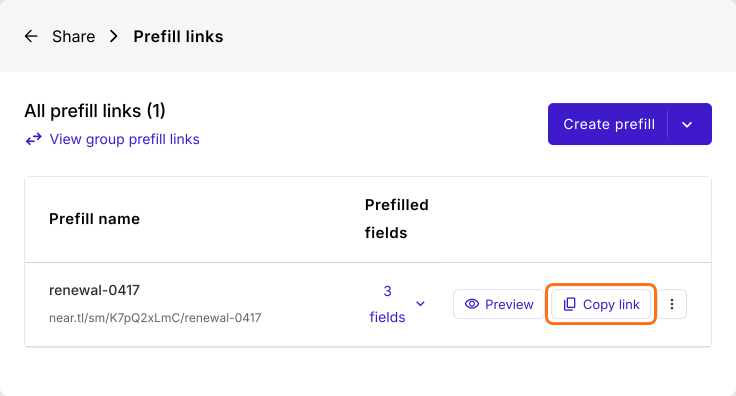
- Click Copy link.
How to use the url parameters of Google Forms?
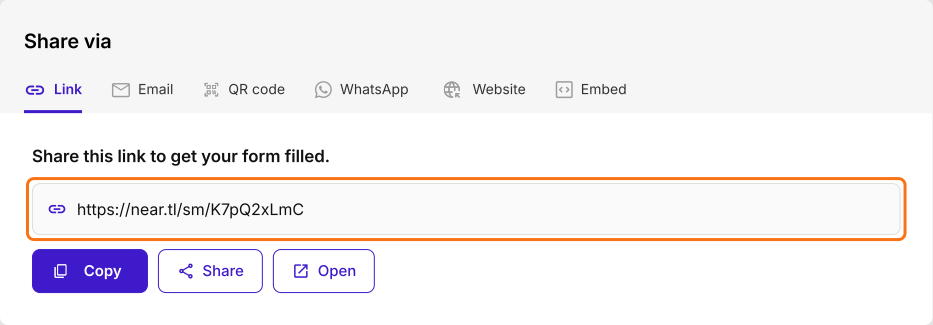
Copy the url parameters of a Google Forms pre-filled link and add them to the url of the webpage that embeds your Formfacade form, or to the Formfacade share link. You can pre-fill the same answers for everyone or different answers for different people.
- Click on the form's title, click on the ⚙️ icon, select the "Advanced" tab and click Launch next to "Edit this form with Google Forms".
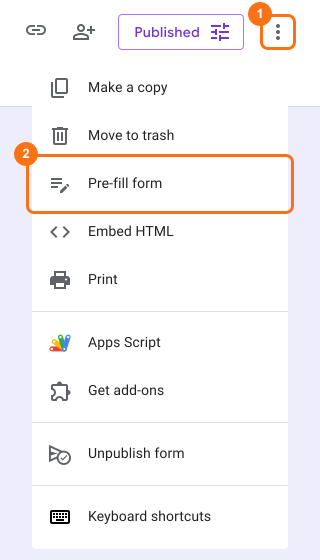
- In Google Forms, click on the "More" icon.

Click on "Pre-fill form" option
Pre-fill responses for the necessary fields and click on "Get link" button
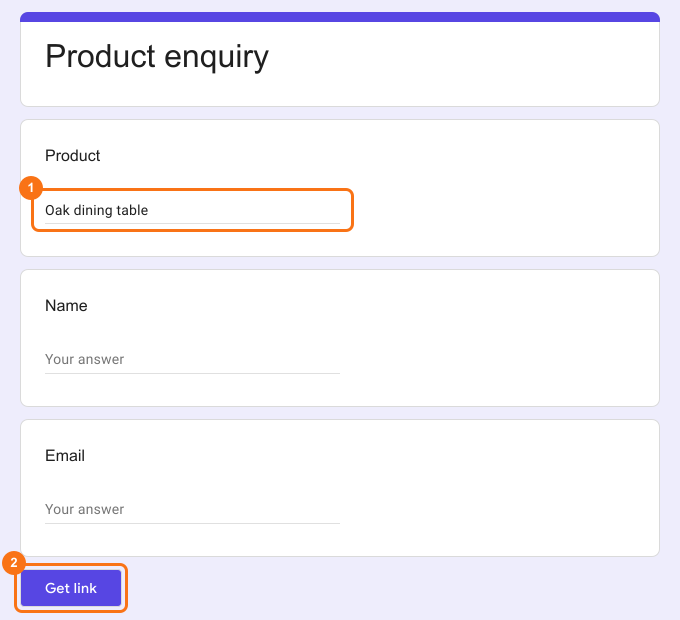
Click on "COPY LINK" and paste it in a notepad
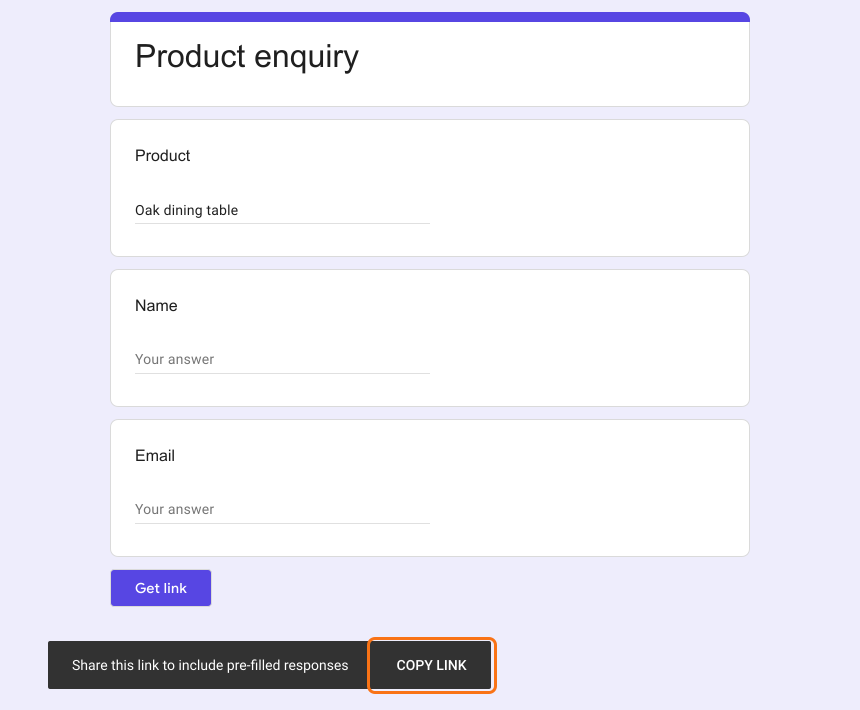
Copy the Google Form pre-fill parameters in the generated url
Append the above url parameters to the webpage url that embeds the form
For example, link each product's button to yourwebsite.com/enquiry?usp=pp_url&entry.952729137=Oak+dining+table and visitors will see the form on your webpage with the product already filled in.
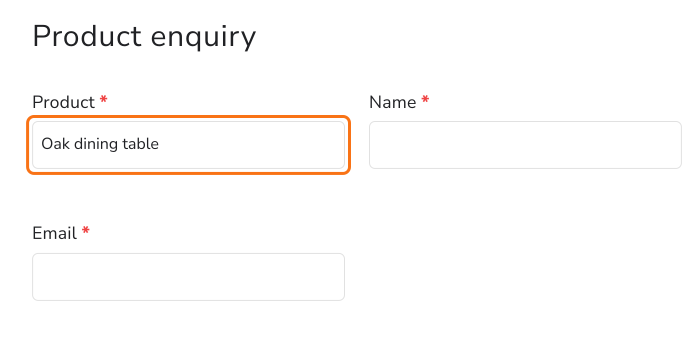
Or, append the url parameters to the Formfacade share link
Summary
Google's pre-filled links open Google's own form page, so they take people off your website. With Formfacade, you create a prefill link in the Share tab, or add the same url parameters to the webpage that embeds your form or to the Formfacade share link, and the form opens with the answers filled in. Create your form and complete the steps above. If you have any questions, write to support.
Last updated: